Blog
Product updates, guides, and practical BIM data workflows.
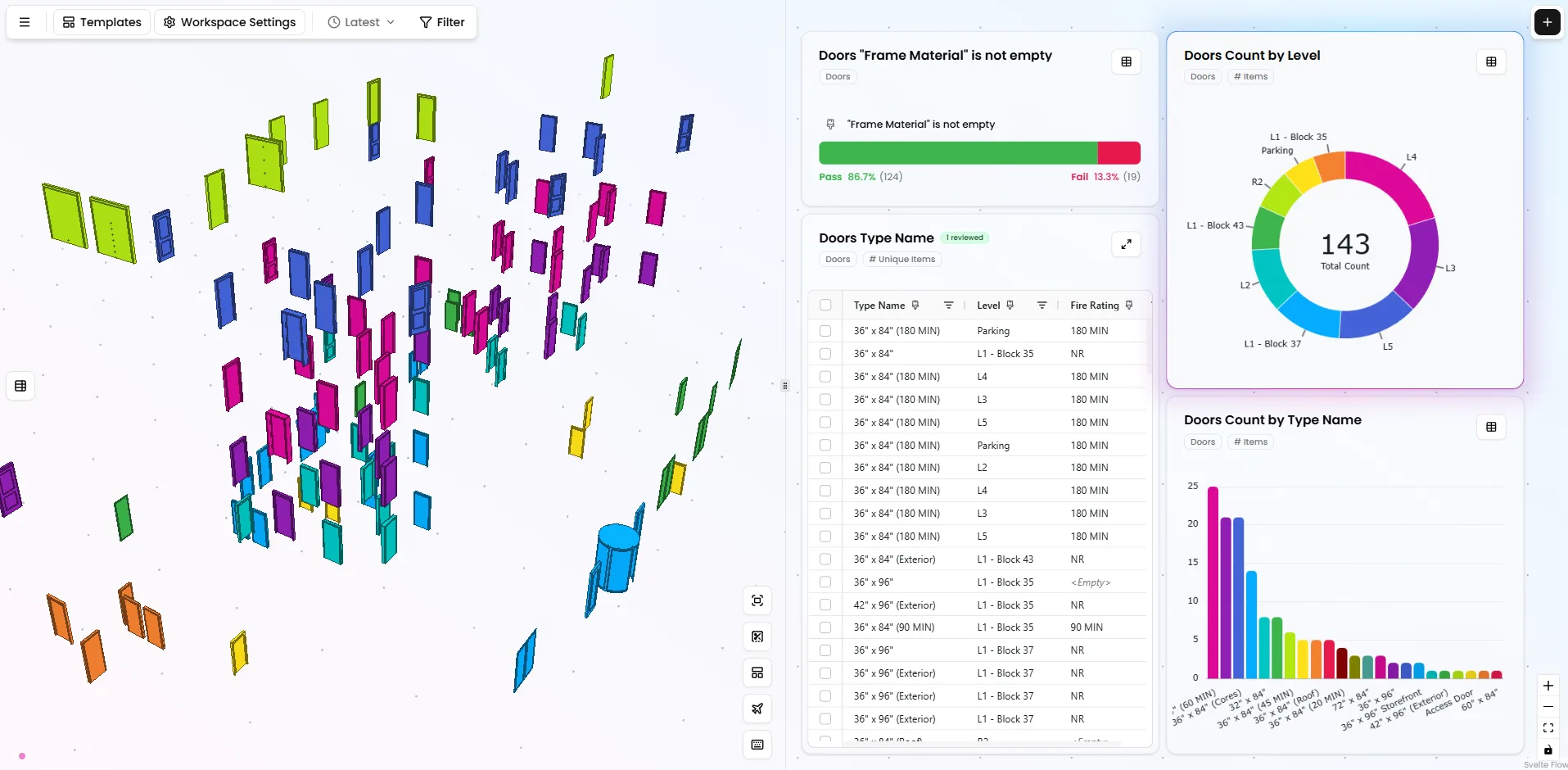
Latest articles
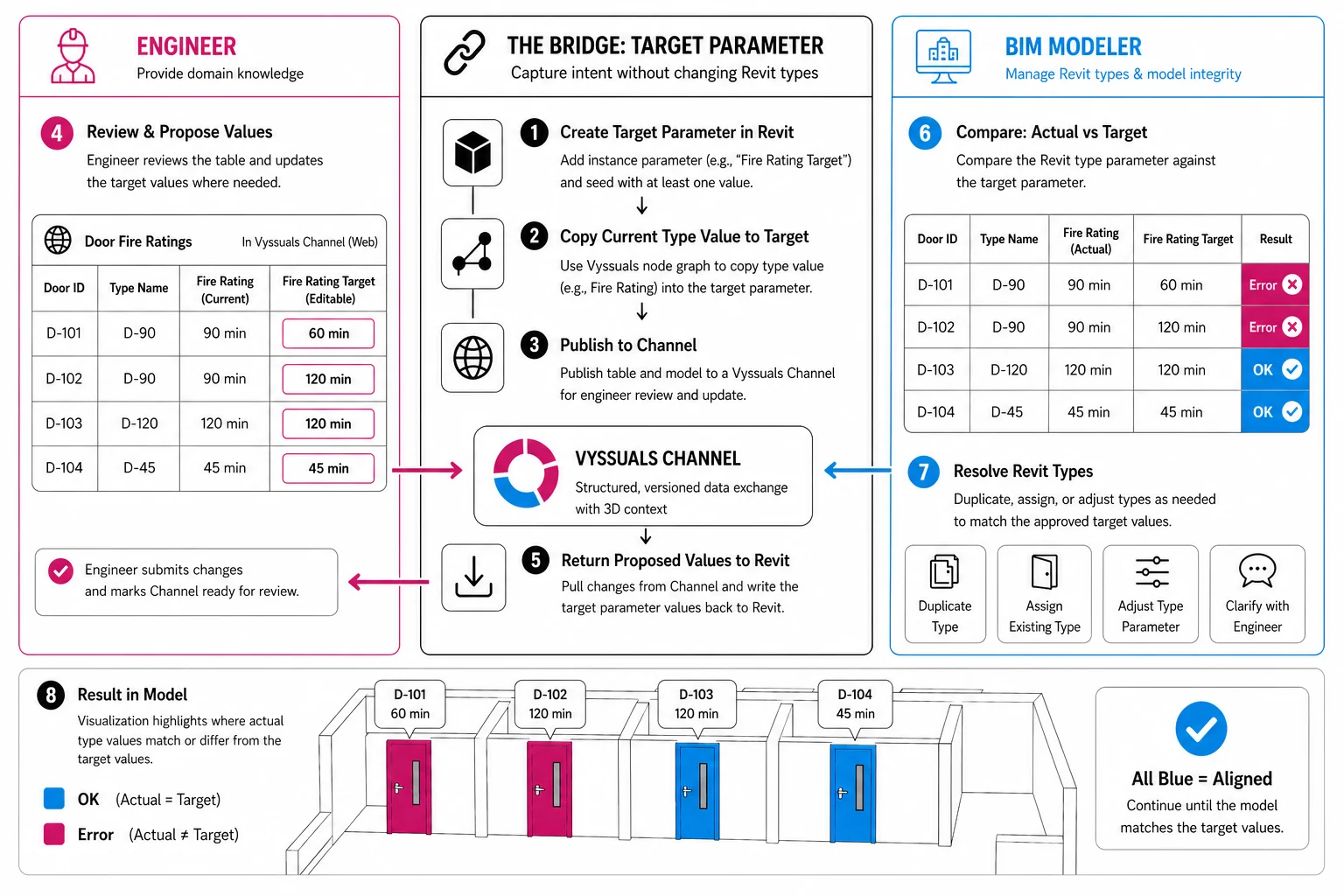
A Better Way to Handle Revit Type Parameter Changes
Use target values, Vyssuals Channels, and the node graph to let engineers propose Revit data changes while BIM modelers keep control of type parameters and company standards.
APR 30, 2026
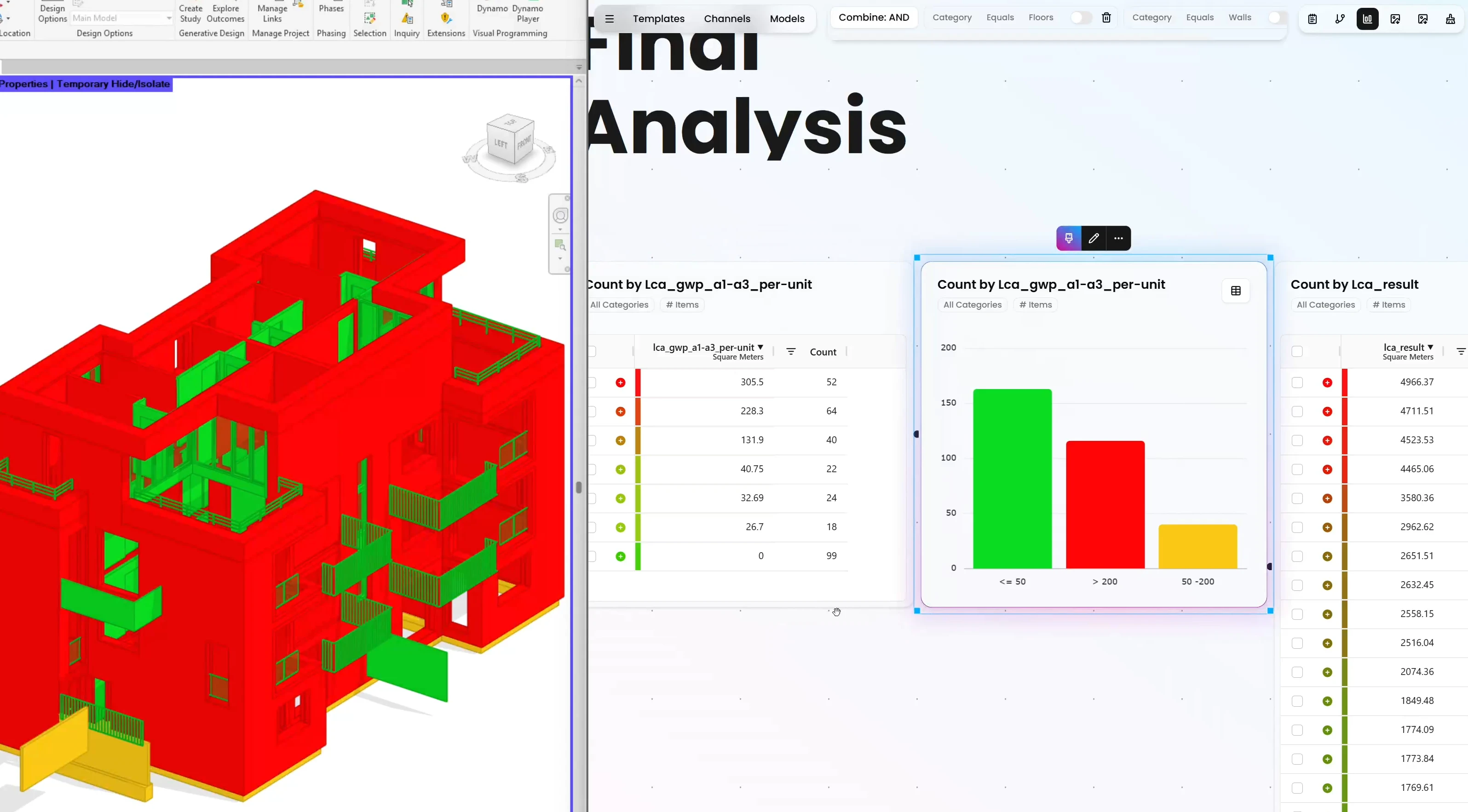
Carbon and LCA Calculations in Revit with External Build-Up Tables
Learn how to calculate embodied carbon in Revit with Vyssuals by joining model quantities to external LCA build-up tables, running unit-based GWP formulas, and writing results back into the model.
APR 24, 2026
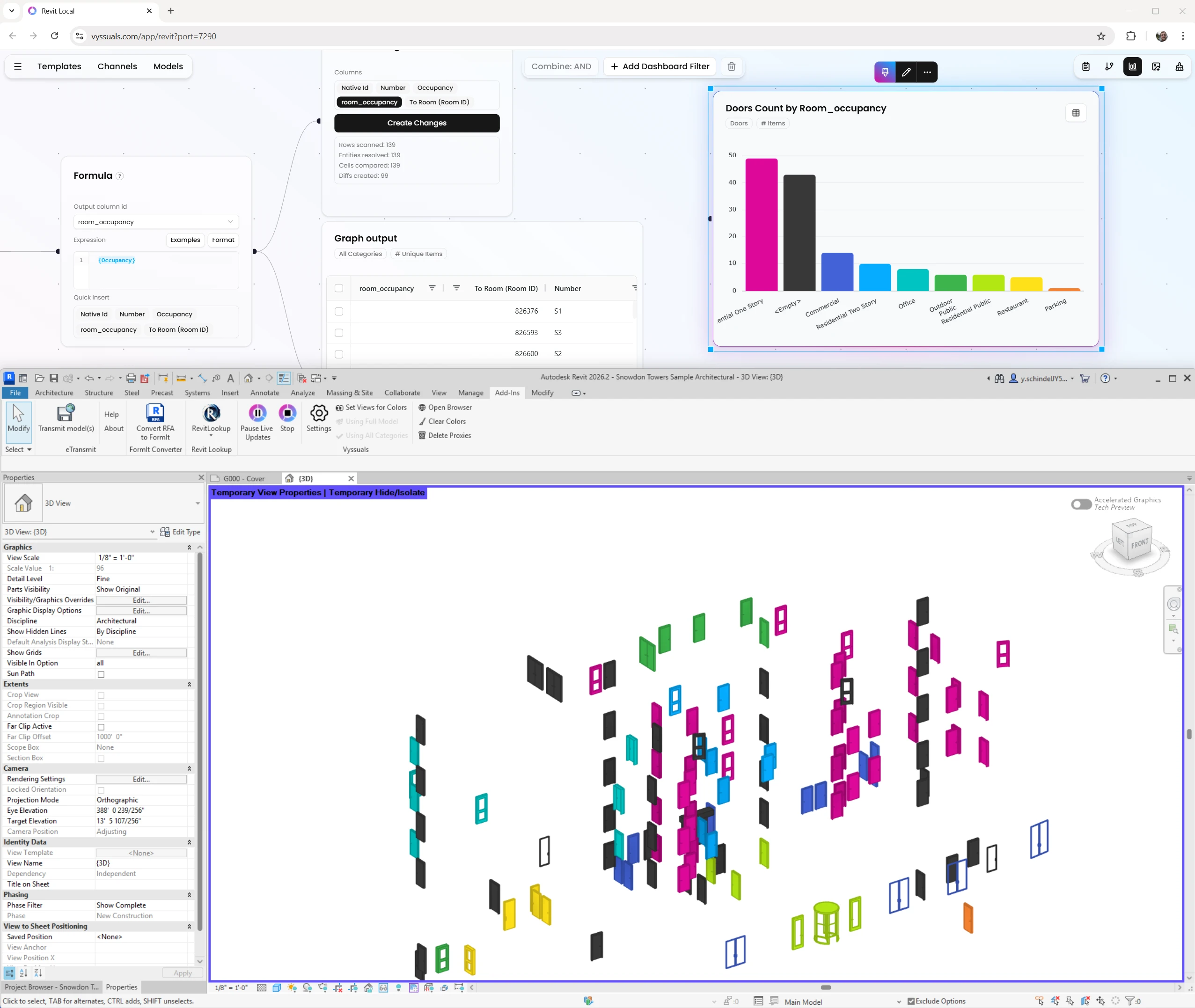
New Release: Data Automation Node Graph for Revit and IFC
Automate high-leverage BIM data tasks with a purpose-built node graph for Revit and IFC while keeping manual control where it matters.
APR 22, 2026
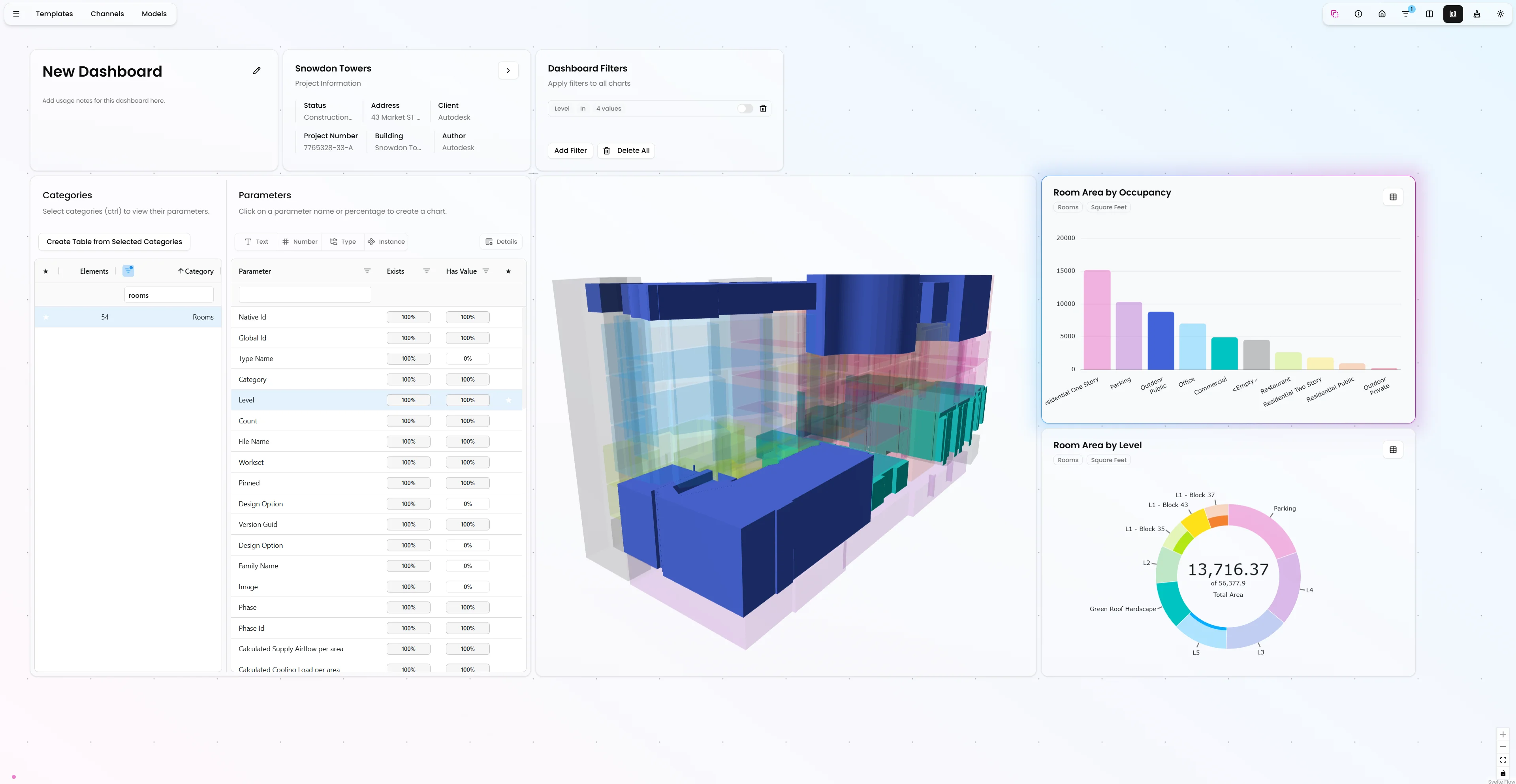
Introducing Shared Dashboards: Collaborate on Your BIM Data Without Revit
Share your Vyssuals dashboards with team members and external collaborators via the web. Work disconnected from Revit, collaborate in real-time, and enable non-Revit users to validate your models.
FEB 2, 2026
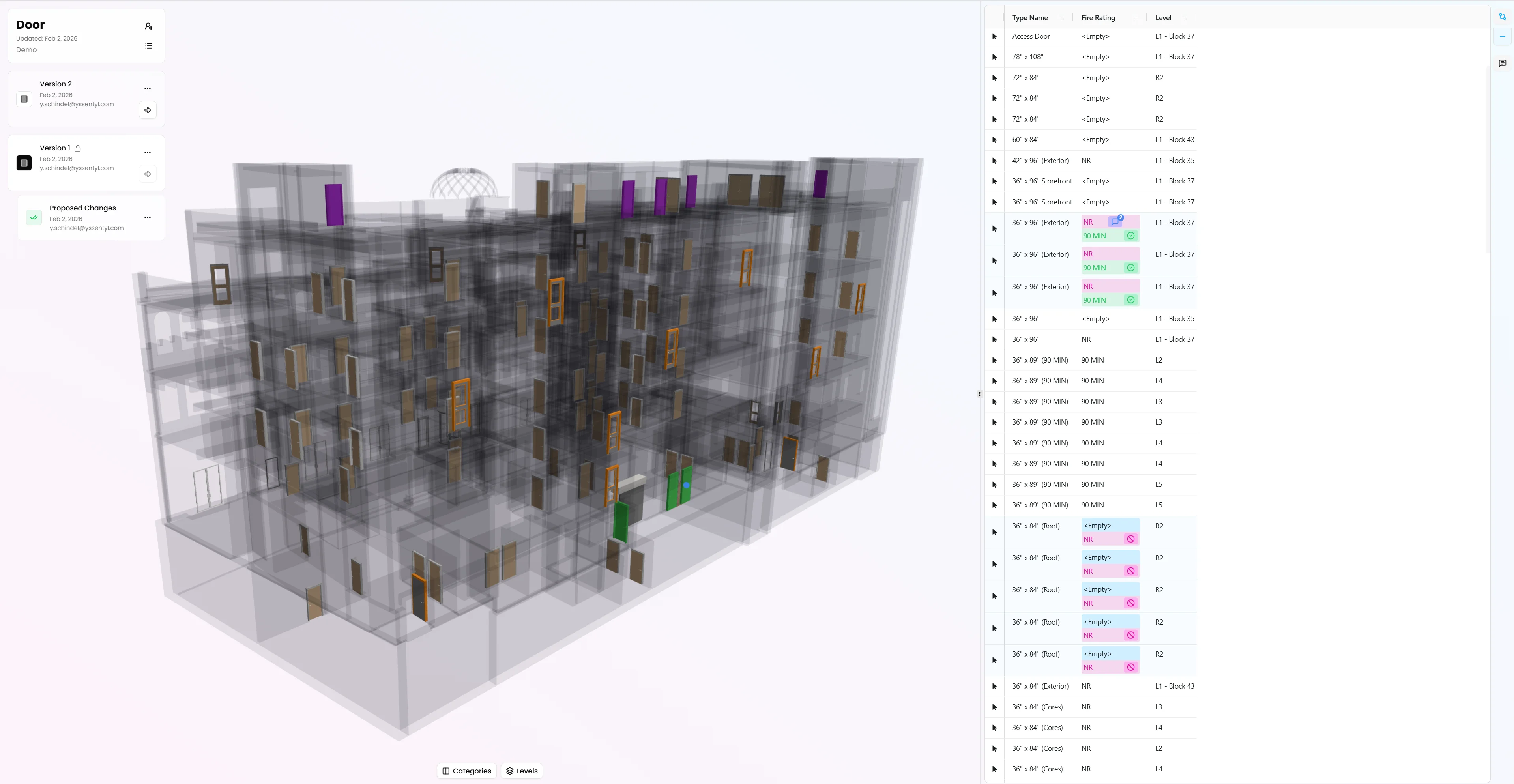
Introducing Channels: A Better Way to Exchange Data with External Collaborators
Channels simplify information exchange between Revit users and external collaborators. No more Excel files, no more data corruption, no more manual re-entry. Just structured, versioned collaboration.
FEB 2, 2026
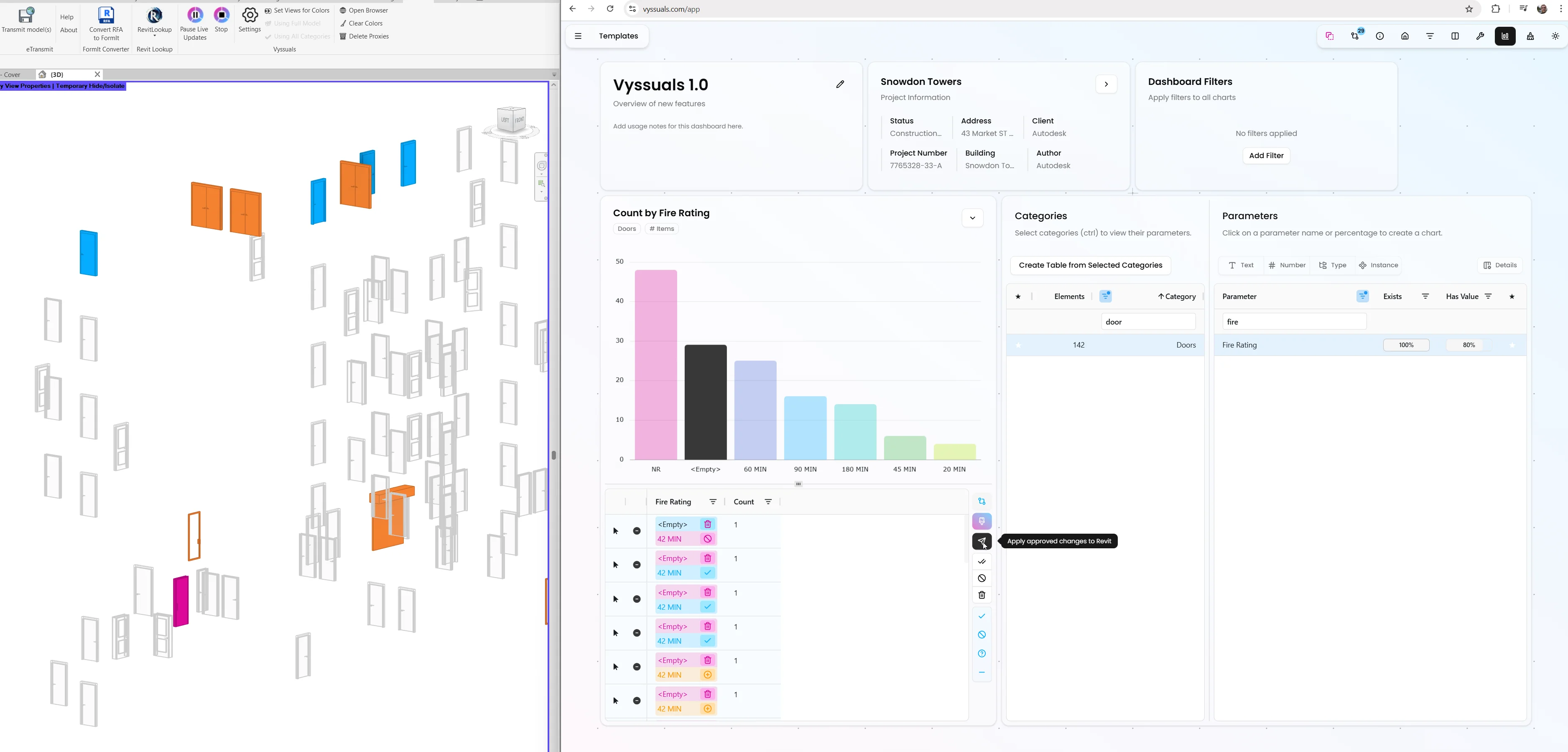
Vyssuals 1.0: Editing, Automations and Smarter Parameters
Vyssuals 1.0 turns your Revit model into an editable data workspace – with per-cell change previews, automated rule fixes, text transformers, parameter split/combine tools and a formula engine that finally treats text like a first-class citizen.
DEC 1, 2025
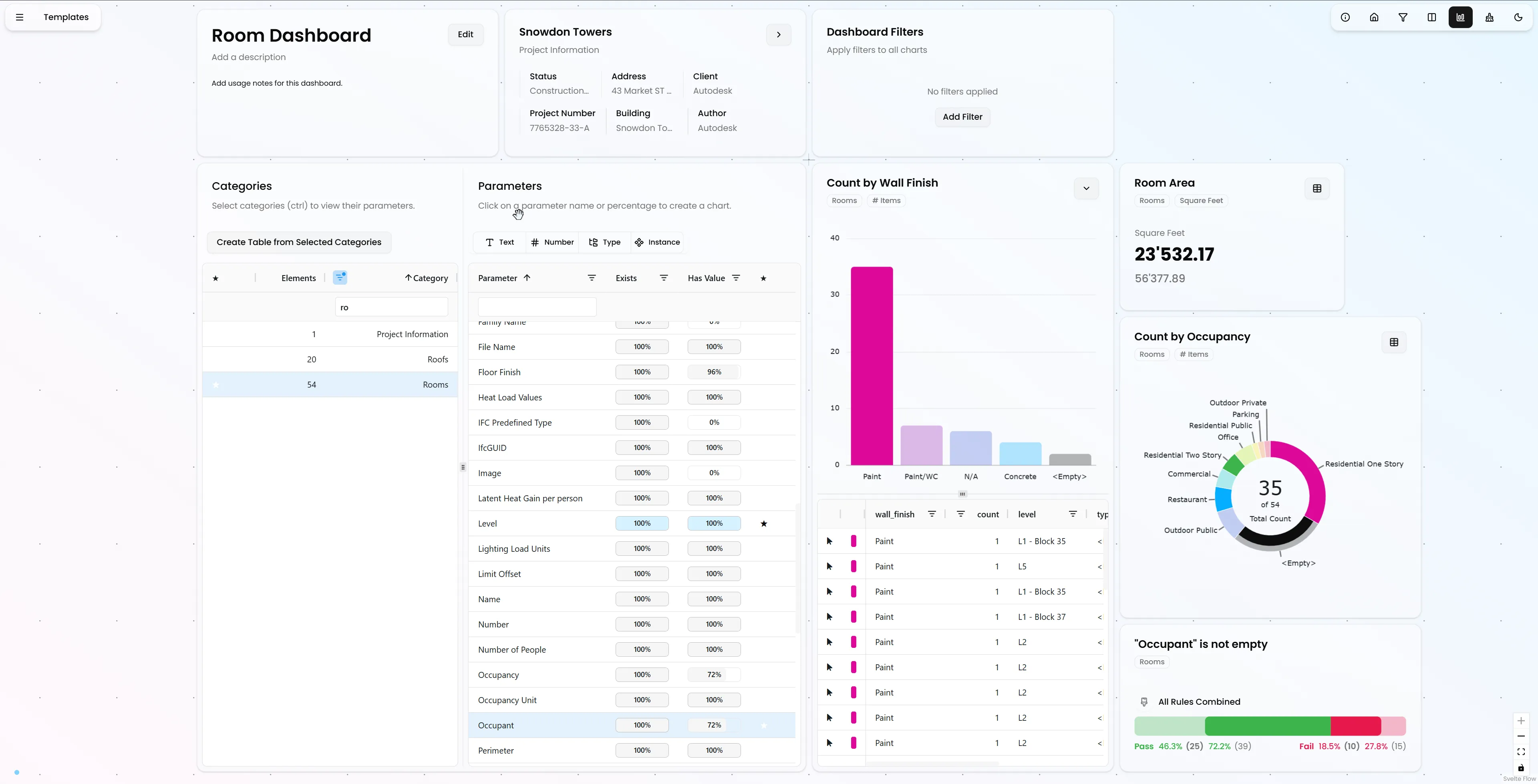
Release 0.6.0: Infinite Canvas and Powerful Workflow Improvements
Discover the major UX improvements in Vyssuals 0.6.0 - from the new Miro-style infinite canvas to enhanced filtering, drill-down visualization, and smarter parameter analysis tools.
NOV 1, 2025
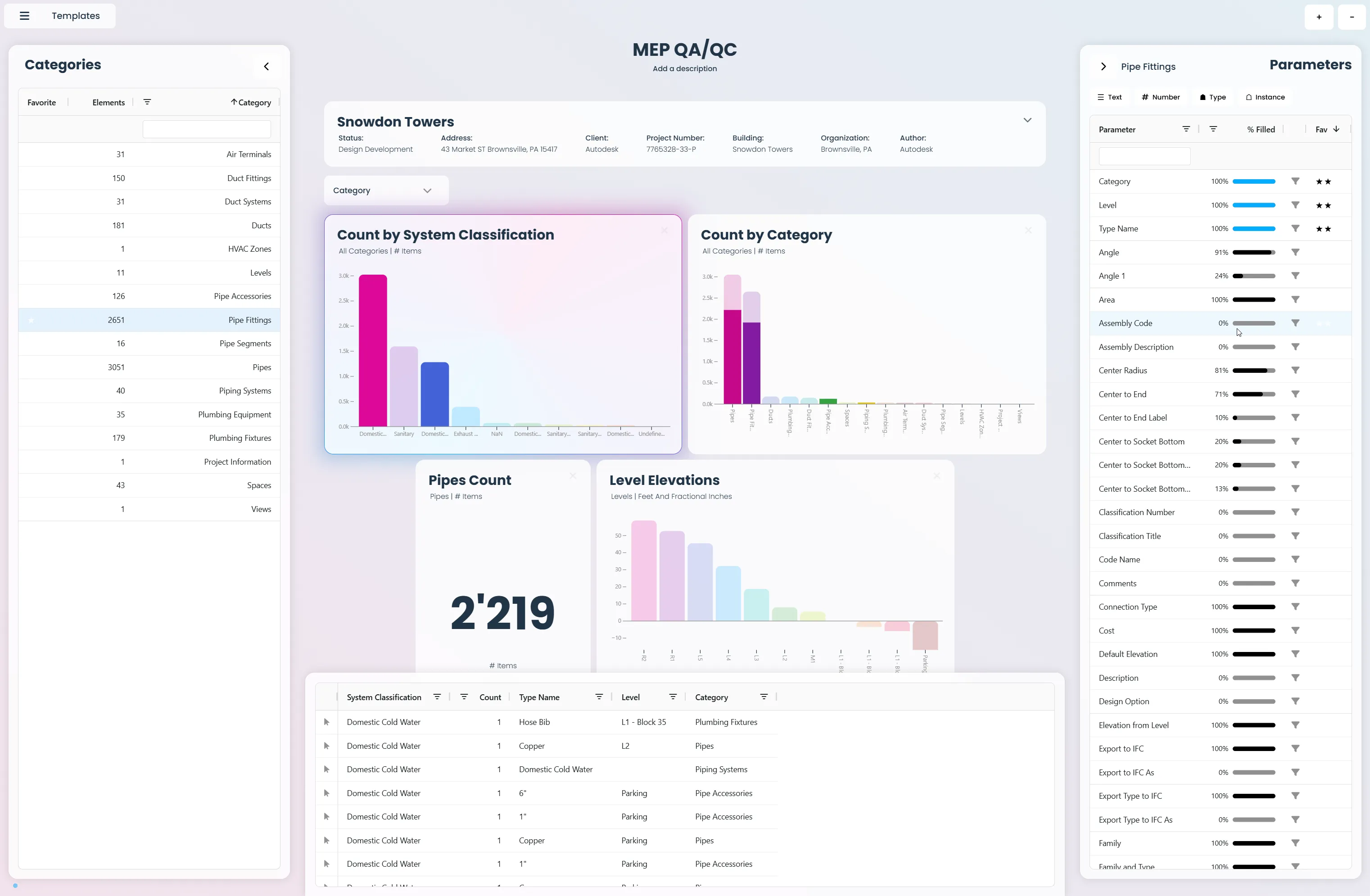
Major Update: New Features That Make Vyssuals Even More Powerful
Discover the latest improvements that transform how you work with your Revit data - from enhanced filtering to better project management.
SEP 3, 2025
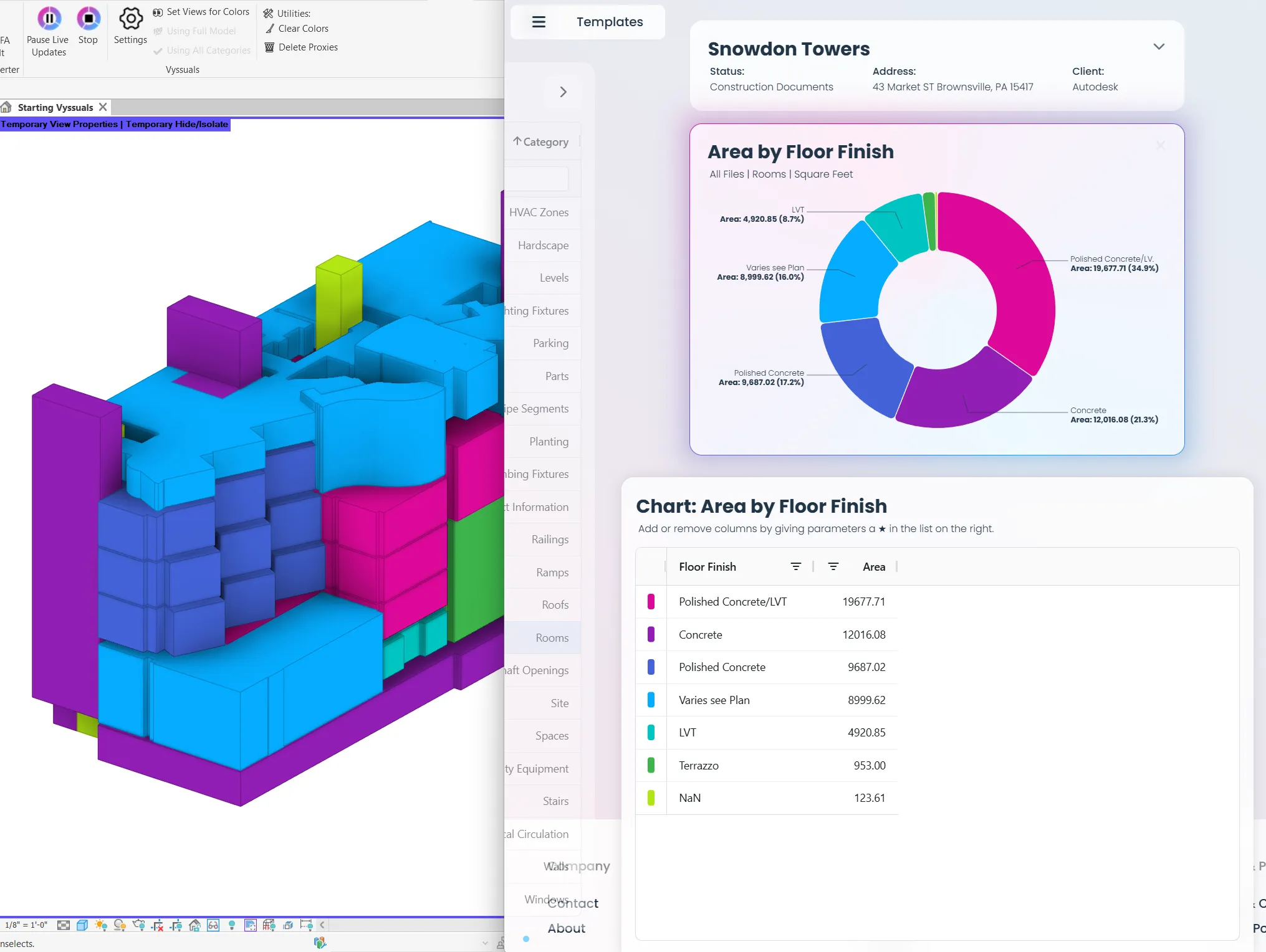
AEC Professionals Guide to Vyssuals: Trust the Data, You Will
Discover how architects, engineers, and BIM coordinators use Vyssuals to transform their Revit workflows. Learn room and area analysis, door schedule management, wall property visualization, and real-time design validation techniques that make you more confident in your design decisions.
SEP 1, 2025
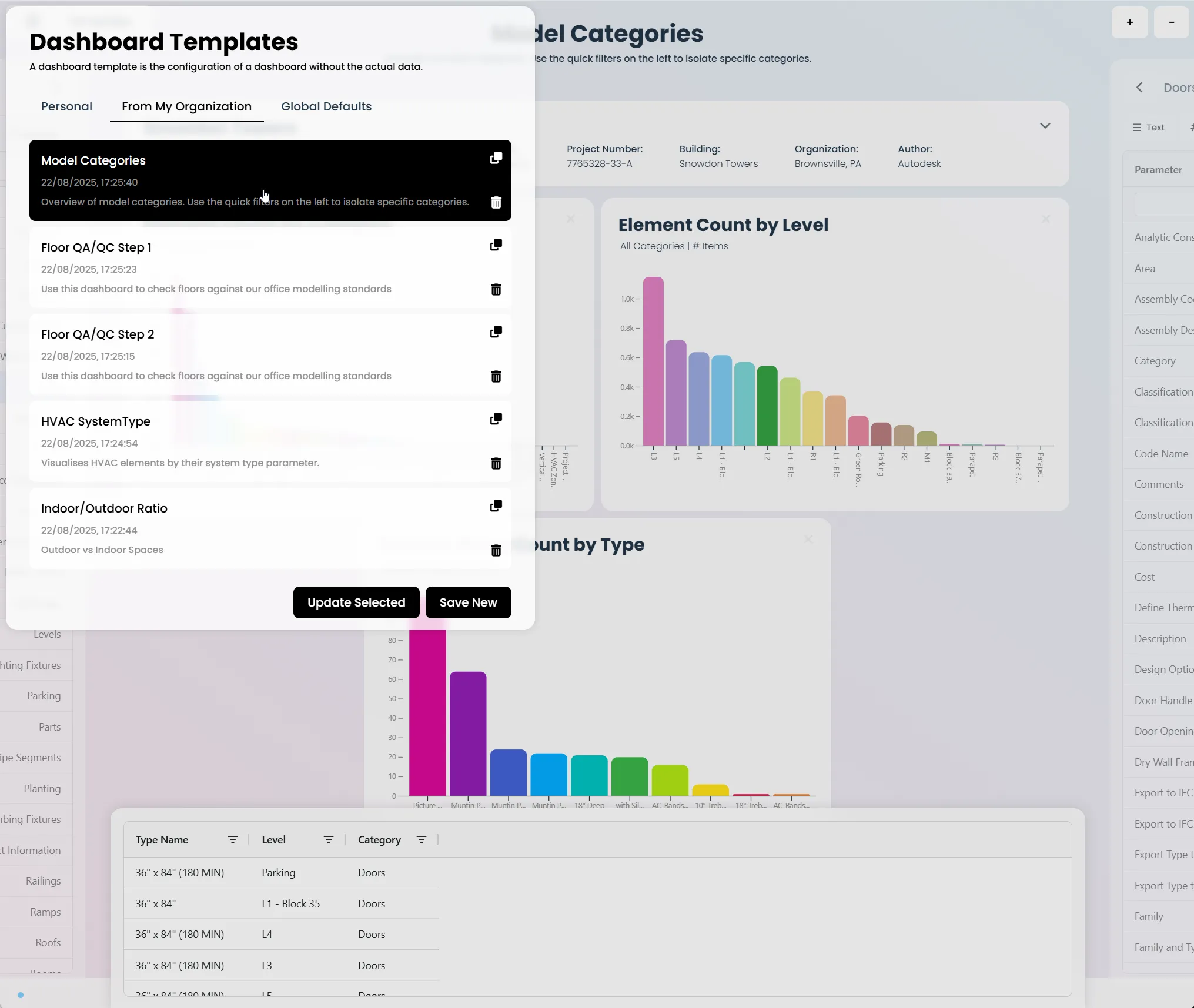
Dashboard Templates: Sharing Knowledge Across Your Team
Learn how to create, share, and manage dashboard templates in Vyssuals to standardize workflows, train team members, and maintain consistency across all your projects.
AUG 29, 2025
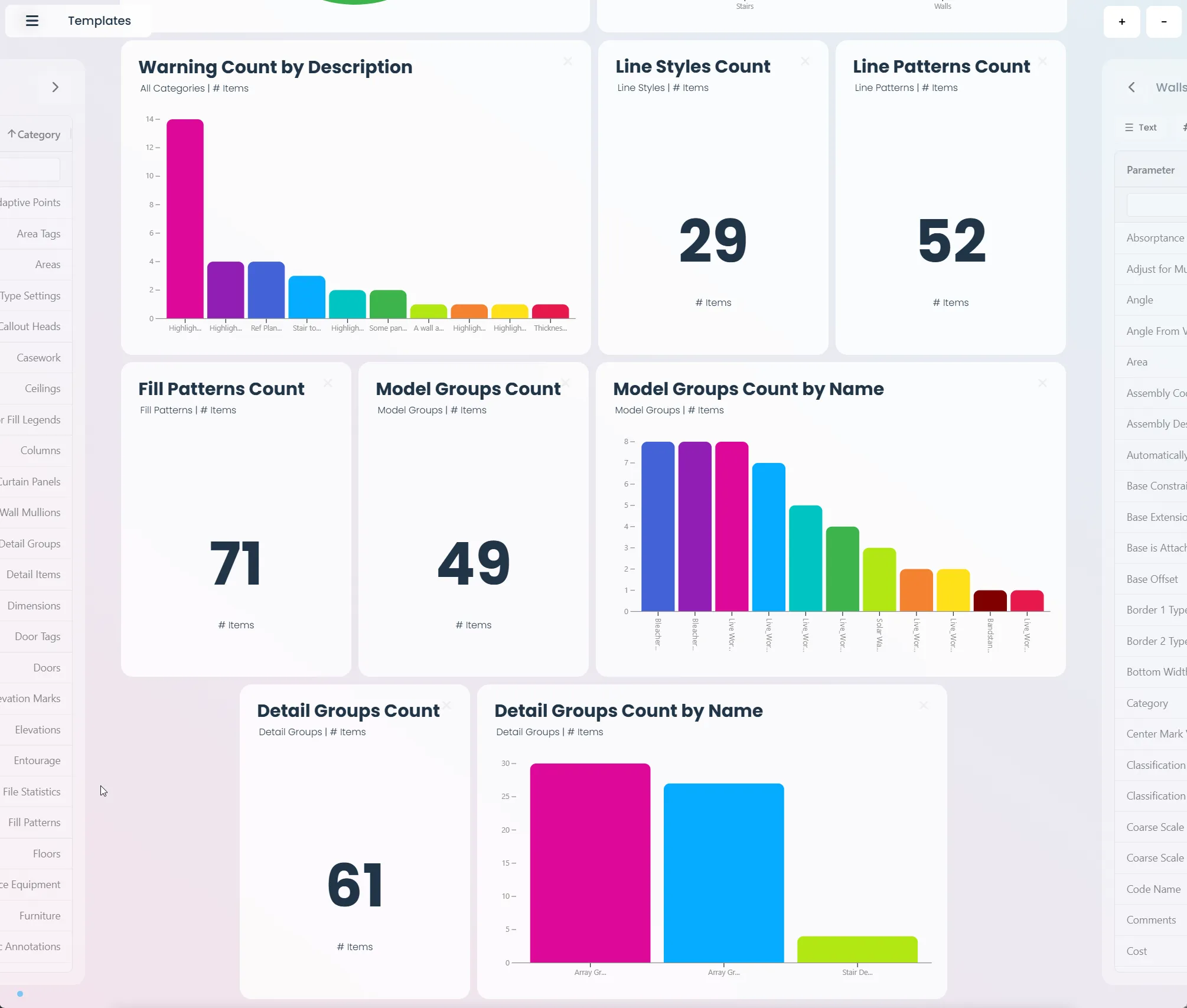
Model Quality Check Guide: How to Monitor Your Revit Model Health
Learn how to create a comprehensive model quality check dashboard in Vyssuals. Monitor warnings, in-place families, line styles, and model groups to keep your Revit model clean and performant.
AUG 27, 2025
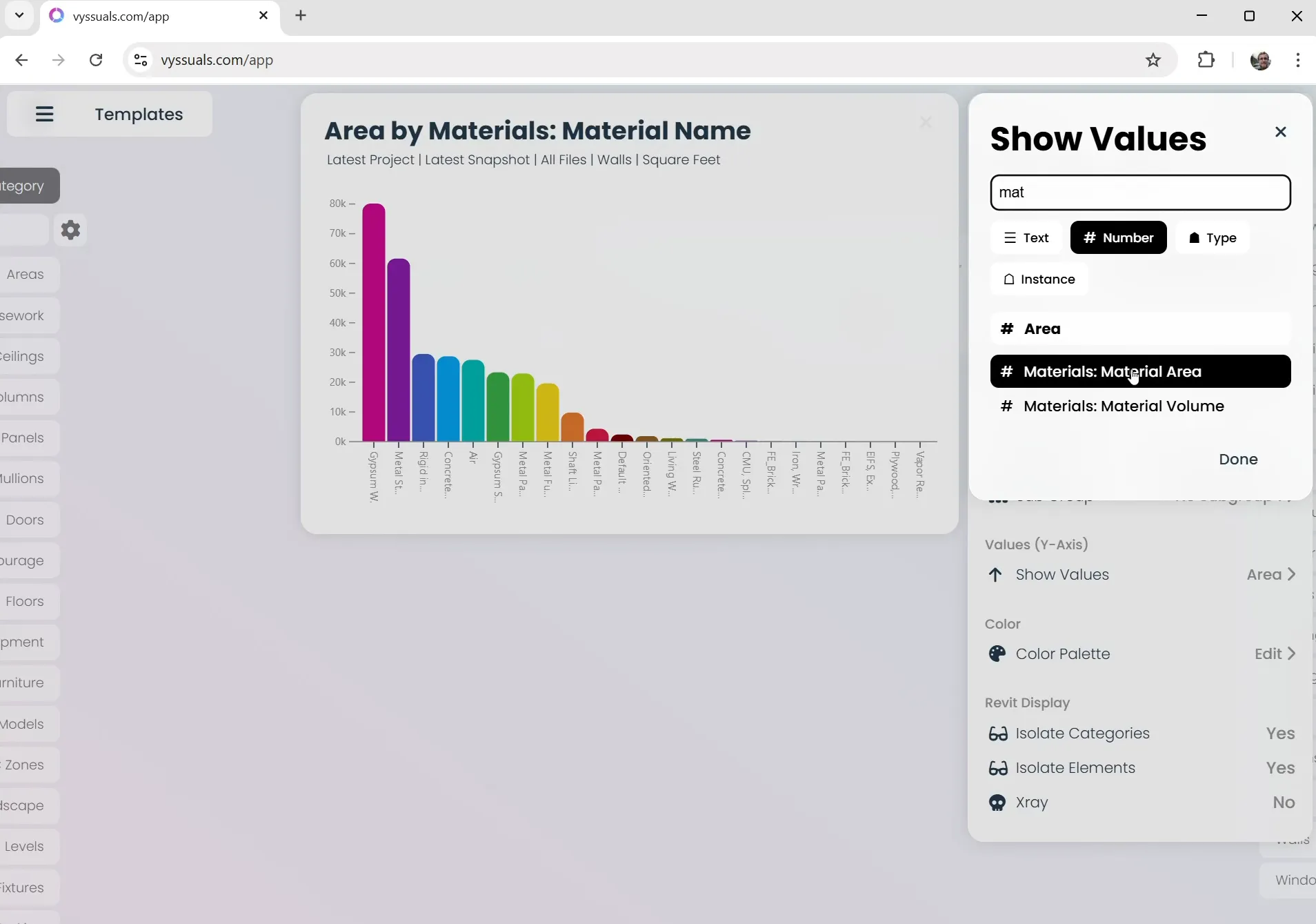
How to Work with Materials and Quantities in Vyssuals
Learn how to enable material usage tracking, create material-based charts, and analyze material quantities in your Revit models using Vyssuals. Discover the difference between material area and volume, and why you cannot colorize models by materials.
AUG 22, 2025
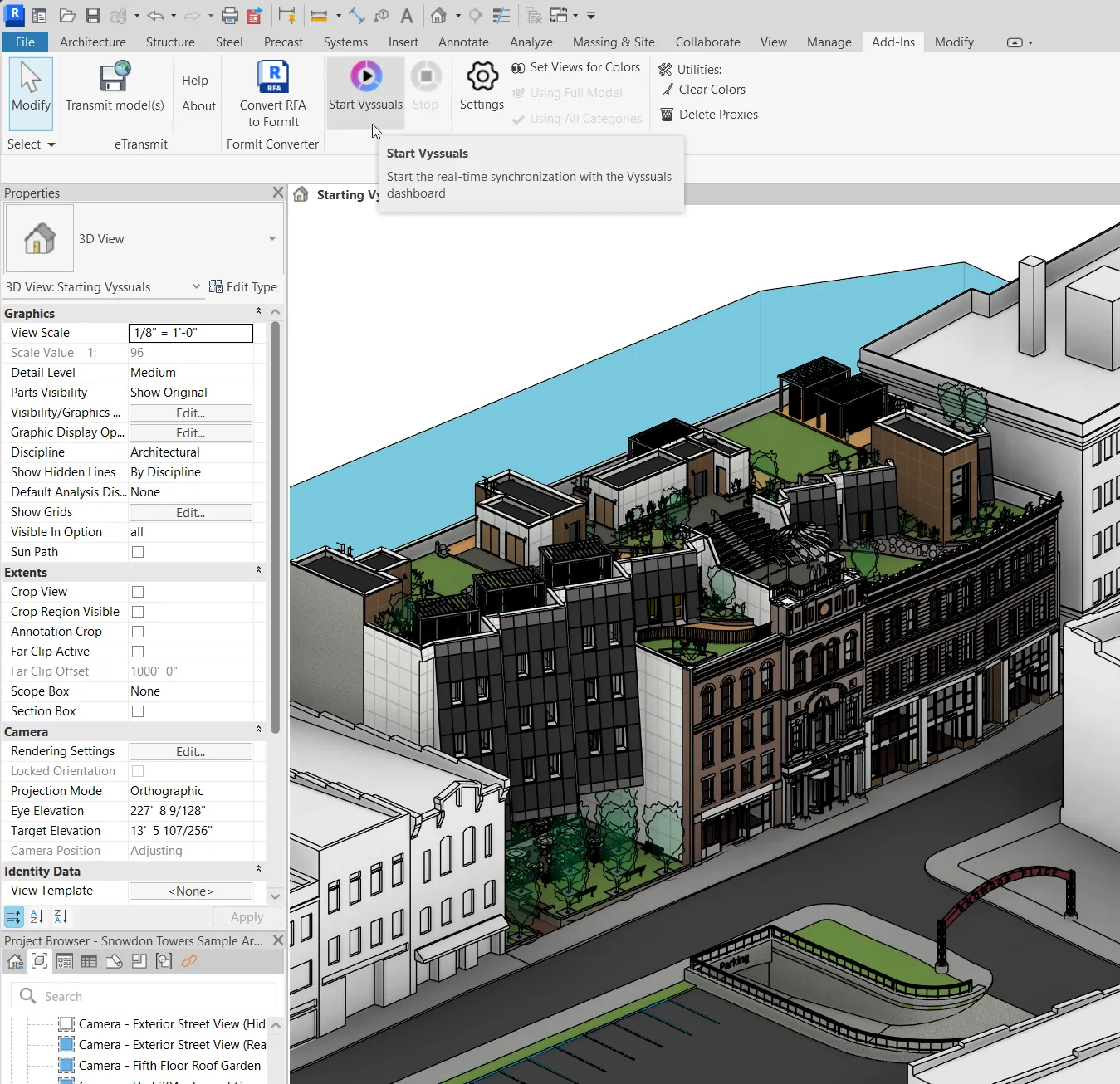
Getting Started with Vyssuals: A Complete Step-by-Step Guide
Learn how to set up and use Vyssuals in just a few simple steps. From downloading the Revit connector to creating your first dashboard.
AUG 19, 2025
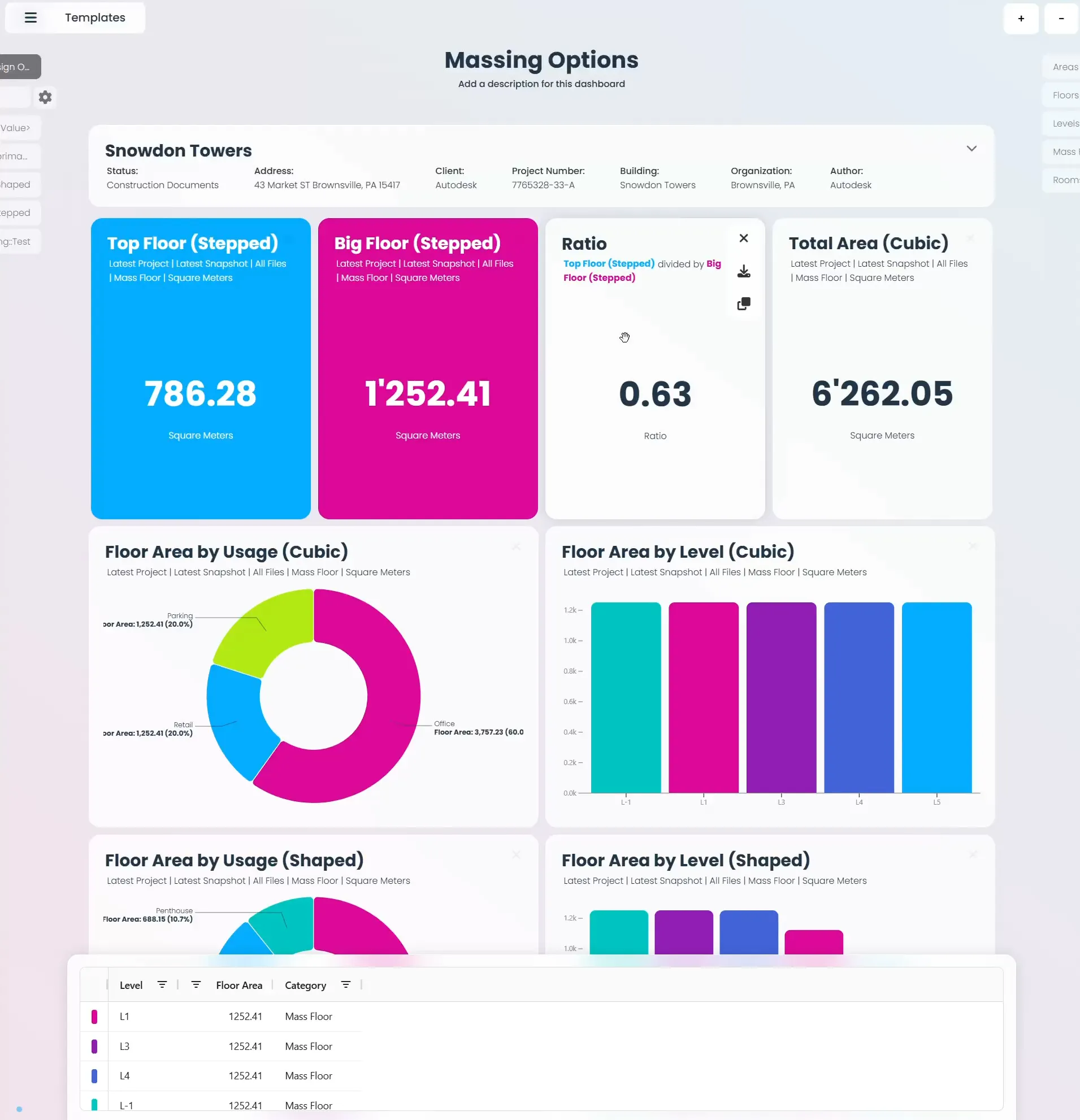
Working with Design Options in Vyssuals: A Complete Guide
Learn how to analyze and compare design options in Vyssuals. Create comprehensive dashboards that show floor areas, usage distributions, and ratios across different design alternatives to make informed design decisions.
AUG 1, 2025
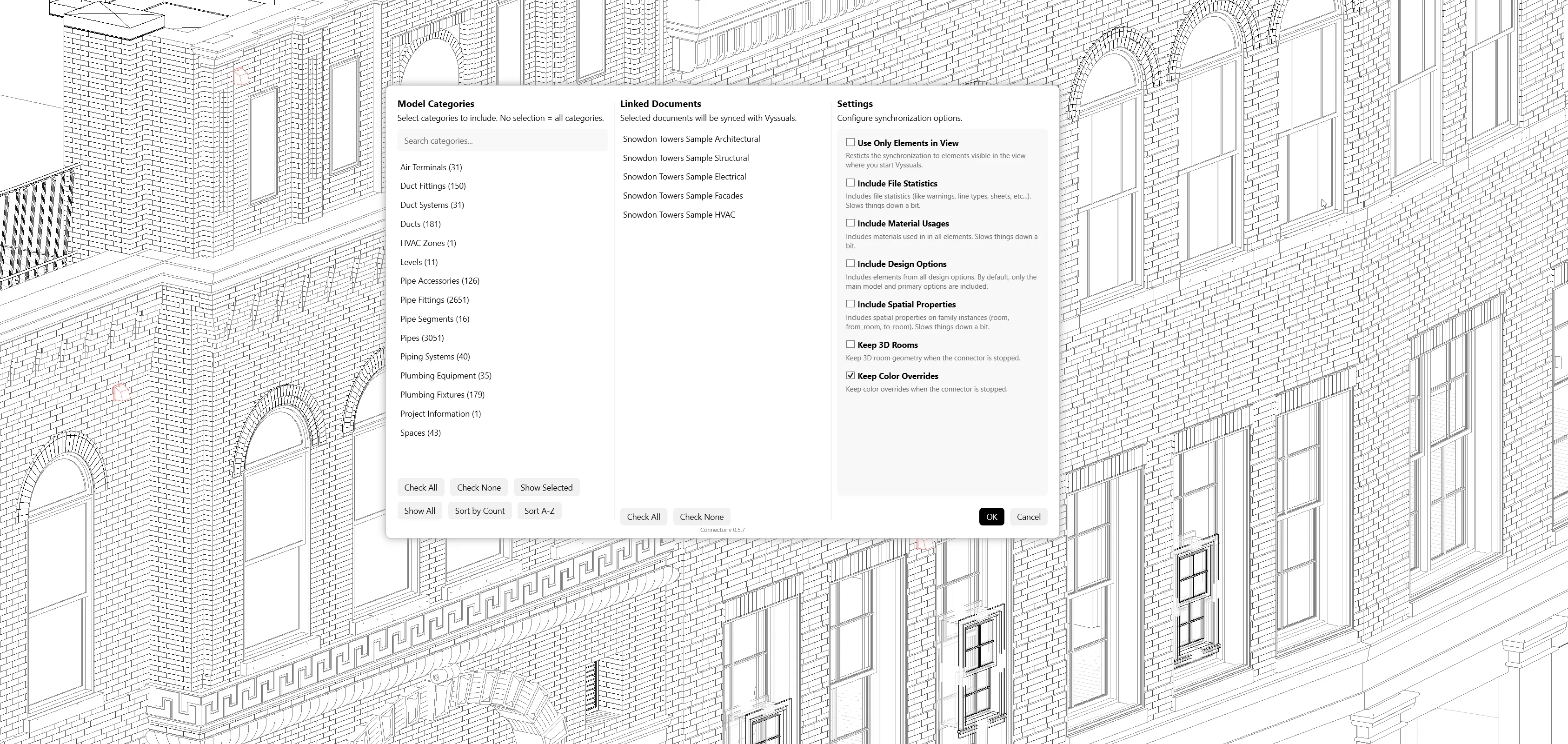
Vyssuals Revit Connector v0.5.0: The Complete UX Rework
Our biggest update yet brings auto-sync, selective categories, and persistent overrides to eliminate data friction in your Revit workflow.
JUL 28, 2025
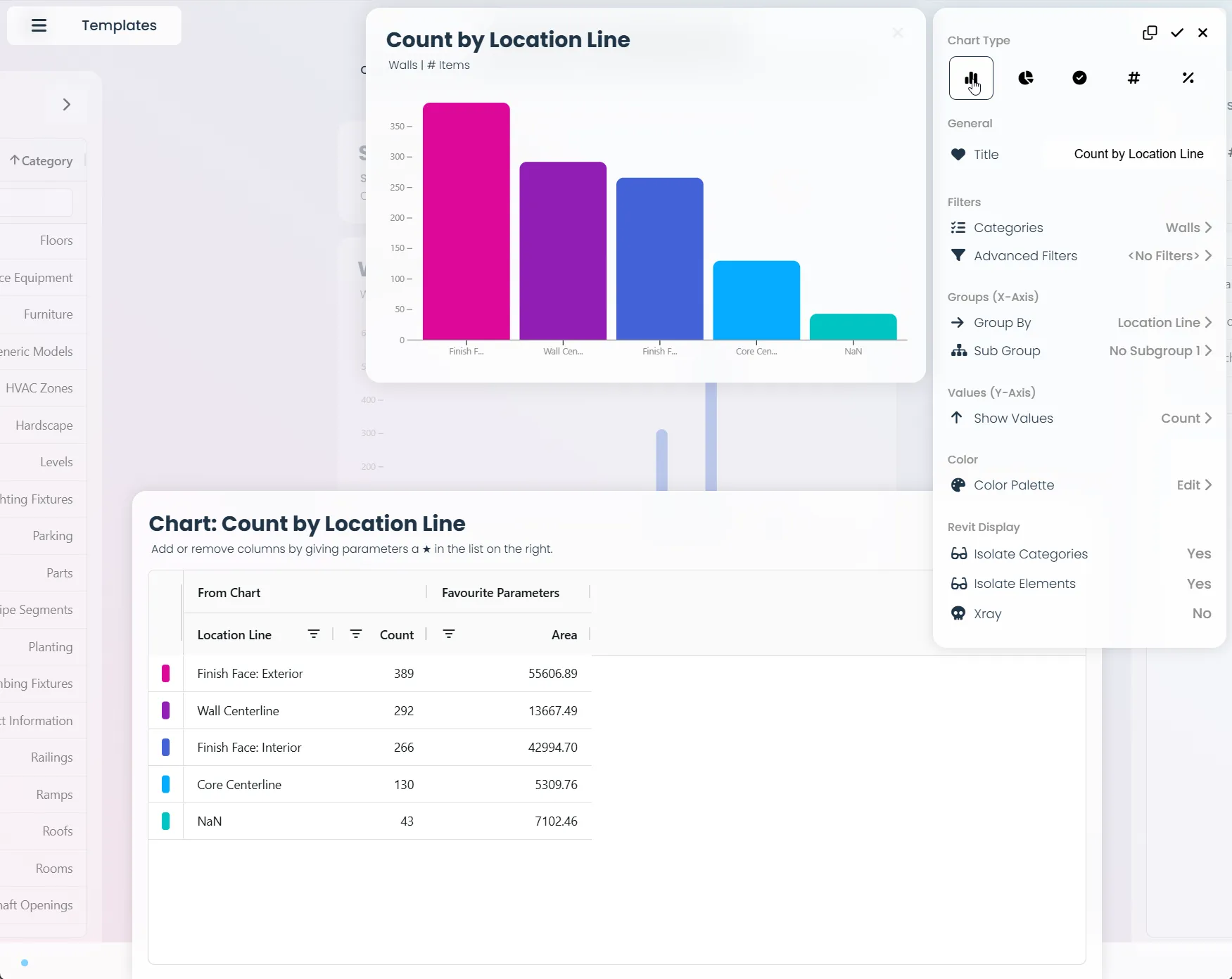
Chart Configuration Basics: A Guide to BIM Data Visualizations
Learn the fundamentals of chart configuration - from choosing the right parameters for your axes to understanding when to use color palettes vs gradients. Perfect for anyone working with data visualization.
JUL 15, 2025
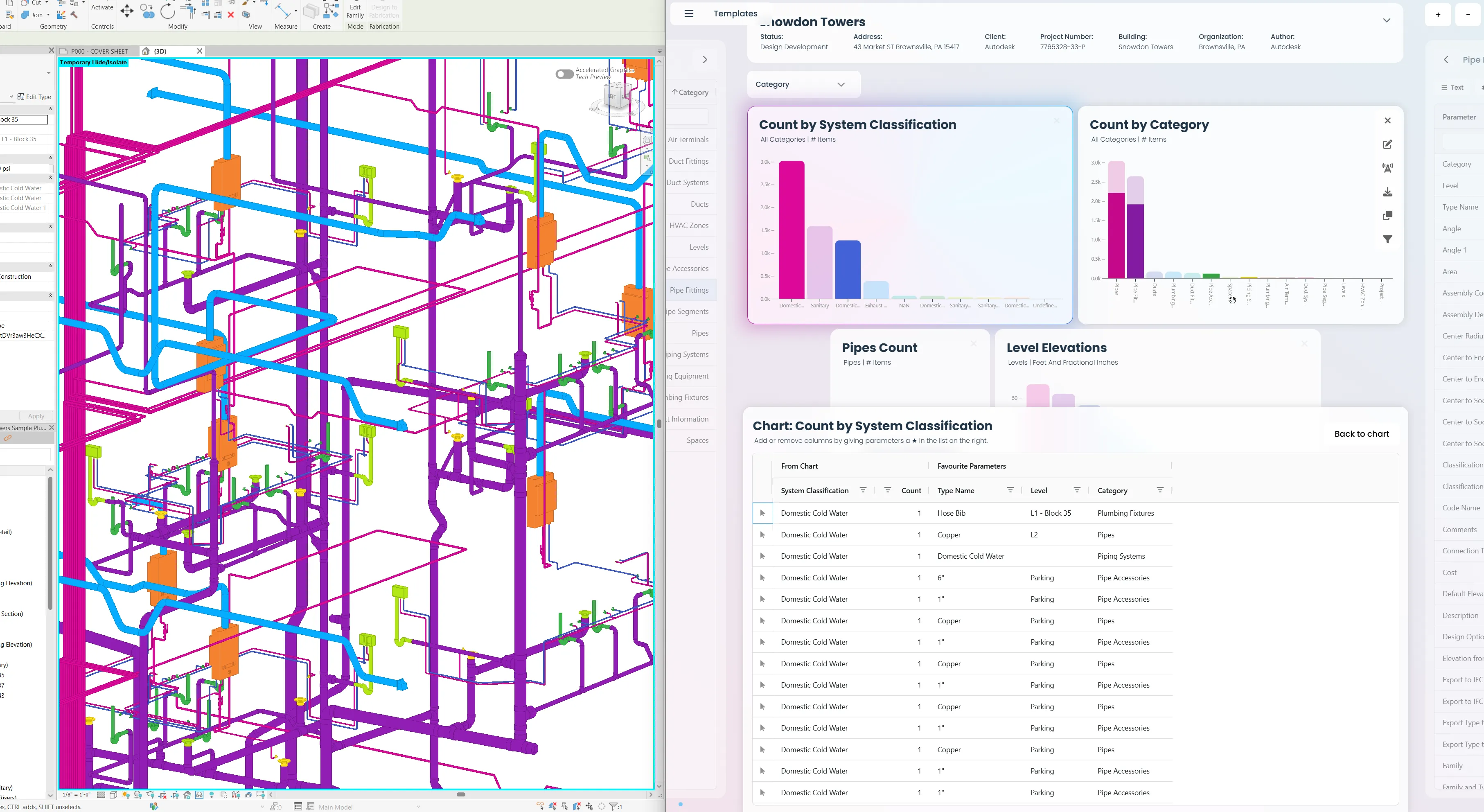
What is Vyssuals?
Learn how Vyssuals helps architects, engineers, and construction professionals see their Revit data clearly in real-time, making it easier to spot design issues, verify room layouts, and make better decisions during the design process.
JUL 1, 2025
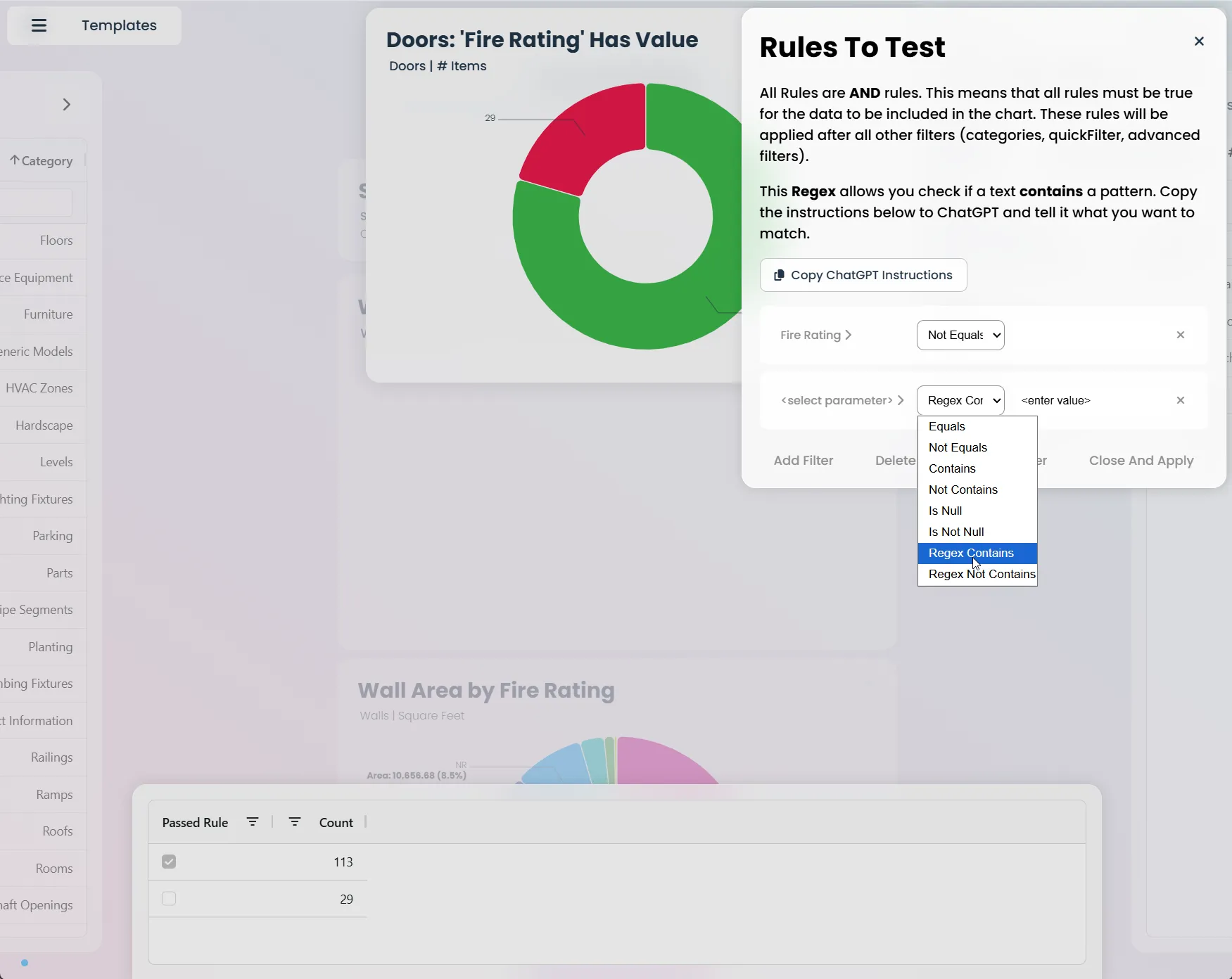
Rule Charts: The Complete Guide to Model Validation in Vyssuals
Master model validation with Vyssuals Rule Charts. Learn how to set up validation rules, interpret results, and maintain BIM quality control with practical examples for architects, engineers, and BIM coordinators.
JUN 25, 2025
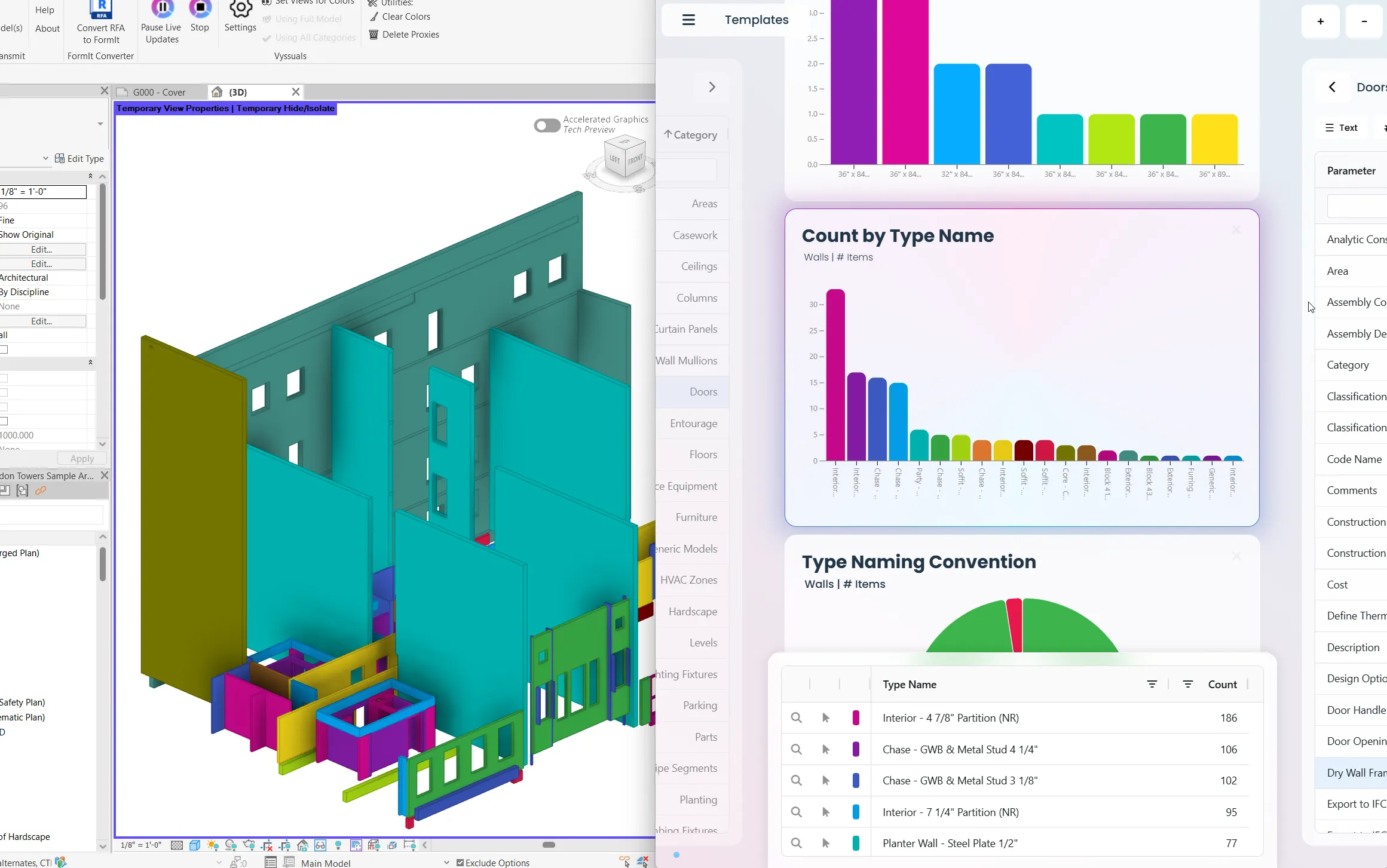
Type Classification Strategies: Choosing the Right Approach for Your BIM Data
Learn the two main approaches to organizing building element data: multiple distinct parameters vs. comprehensive type names. Includes practical examples, country-specific classification systems, and regex validation patterns.
JUN 12, 2025